
Build a Full Meal from Multiple Recipes
Make-A-Meal™ is the core of Mise It. It combines multiple recipes into one grocery list, one prep workflow, and one coordinated cooking experience.
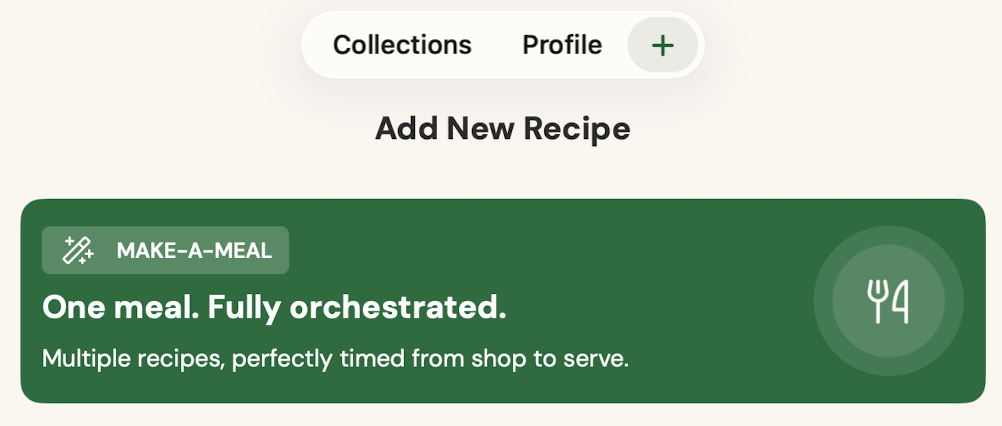
What is Make-A-Meal™?
Most recipe apps help you cook one recipe at a time. Mise It helps you cook an entire meal.
Whether you are making dinner for your family, entertaining guests, or preparing a holiday meal, Make-A-Meal™ brings every recipe together into one organized workflow.
Two Ways to Create a Meal
There are two ways to build a Make-A-Meal™.
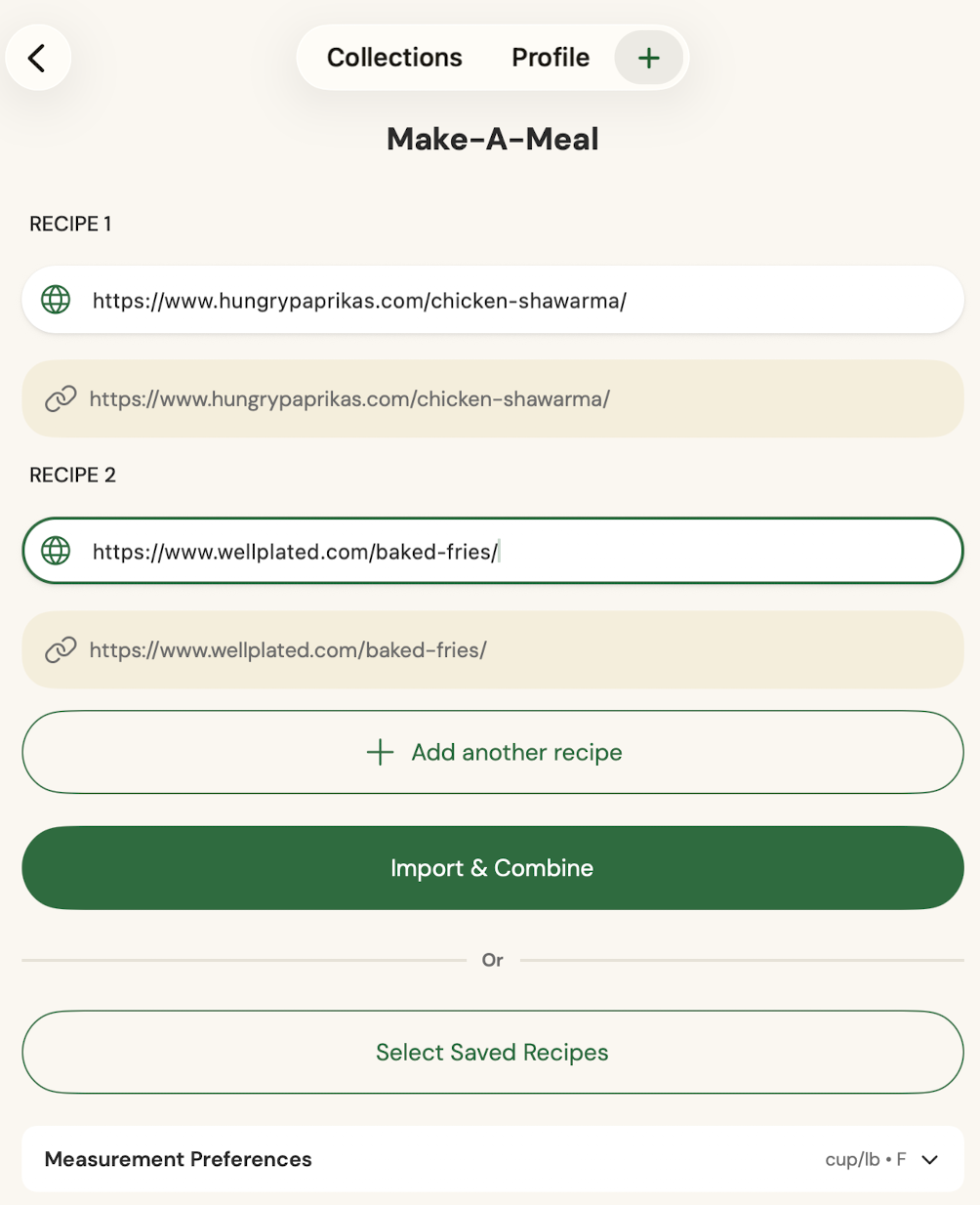
- Import recipes from URLs. Paste two or more recipe links and tap Import & Combine.
- Use saved recipes. Tap Select Saved Recipes to combine recipes already in Your Kitchen.
If you already have recipes saved, using saved recipes is usually the fastest way to build a meal.
Add More Recipes
A Make-A-Meal™ can include more than two recipes. Tap Add another recipe to include anything you want to cook together.
- Main dishes
- Side dishes
- Salads
- Sauces
- Desserts
- Drinks
- Appetizers
Review and Name Your Meal
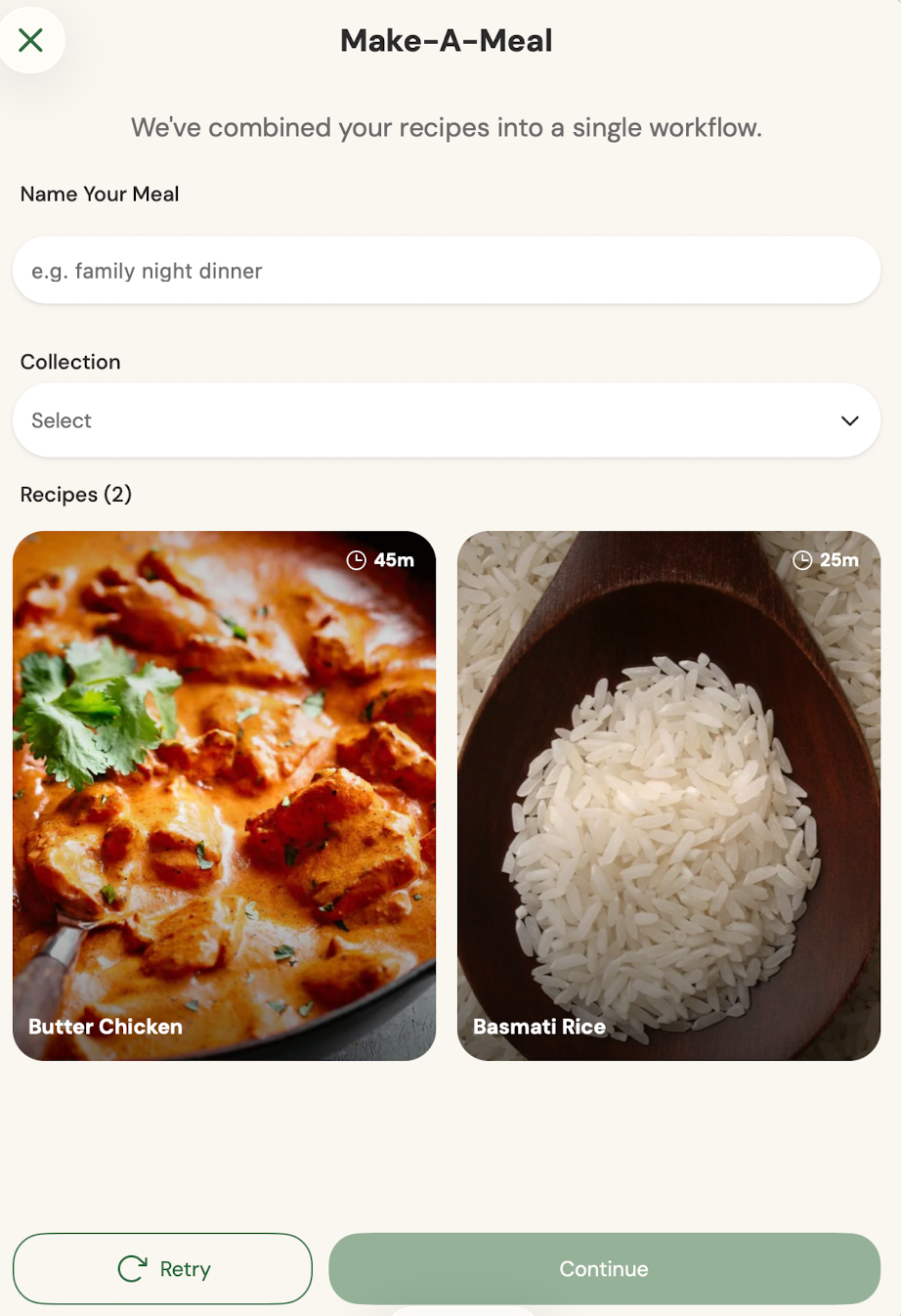
After your recipes are combined, Mise It will ask you to give your meal a name. Choose something you will recognize later.
- Butter Chicken Night
- Chicken Parmesan Dinner
- Taco Tuesday
- Backyard BBQ
- Sunday Roast
- Family Night Dinner
You can also choose one or more Collections so the meal is easy to find later.
One Grocery List
Make-A-Meal™ combines ingredients from every recipe into one grocery list. Duplicate ingredients are merged whenever possible.
For example, if one recipe uses 2 cloves of garlic and another uses 3 cloves, Mise It can combine them so you shop for 5 cloves total.
One meal. One shopping list. No more jumping between recipes at the store.
One Prep Workflow
Mise It gathers the prep work from every recipe so you can prepare ingredients before cooking starts.
- Chop vegetables together
- Measure spices once
- Grate cheese once
- Prep sauces ahead
- Marinate proteins
- Organize ingredients before cooking
This helps keep your counter calmer and your cooking more organized.
One Cooking Workflow
After shopping and prep, Mise It guides you through cooking the entire meal.
Instead of opening Recipe A, then Recipe B, then Recipe C, Make-A-Meal™ creates one coordinated cooking flow.
The goal is simple: help every dish come together at the right time.
Before and After Make-A-Meal™
Three grocery lists
Three ingredient lists
Three prep sections
Three sets of instructions
Constantly switching between recipes
One grocery list
One prep workflow
One cooking plan
Smart ingredient merging
Everything organized from start to finish
Keep Your Original Recipes
Creating a Make-A-Meal™ does not change your original recipes.
Think of it like making a playlist from songs. The songs stay in your library. The playlist is simply a new way to organize them.
The same is true for your recipes. You can reuse the same recipe in many different meals.
Your Meal is Saved to Your Kitchen
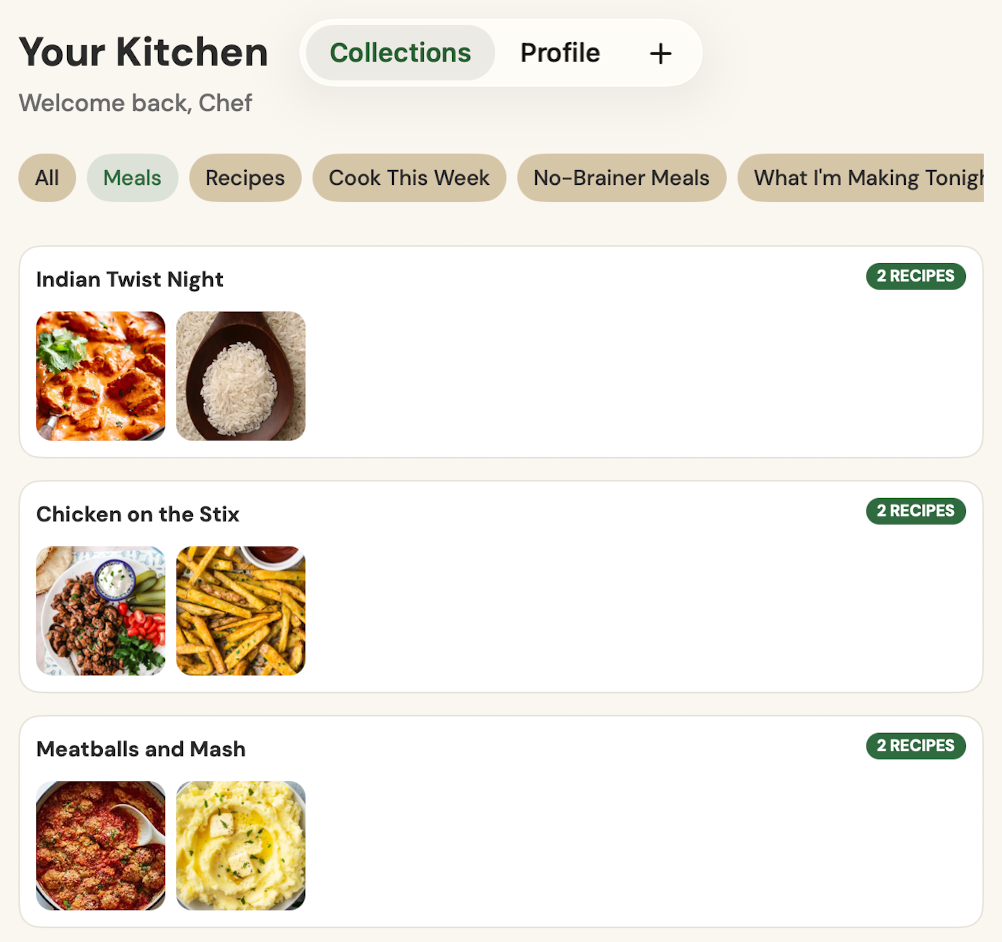
Once your meal is saved, it appears in Your Kitchen as its own Make-A-Meal™. You can open it again, cook it again, or add it to Collections.
Your Meal Does Not Have to Be Traditional
A Make-A-Meal™ can be any combination of recipes you want to cook together.
- Chicken Shawarma + Homemade Fries
- Chicken Parmesan + Caesar Salad + Garlic Bread
- Smash Burgers + Potato Wedges + Coleslaw
- Chili + Cornbread
- Pasta + Alfredo Sauce + Garlic Knots
- Pizza Dough + Pizza Sauce + Caesar Salad
Tip
The more recipes you save in Your Kitchen, the more powerful Make-A-Meal™ becomes. Many users start by importing recipes from websites, then build future meals using recipes they have already saved.